What App Identifies Turbulence and Flight Bumps?
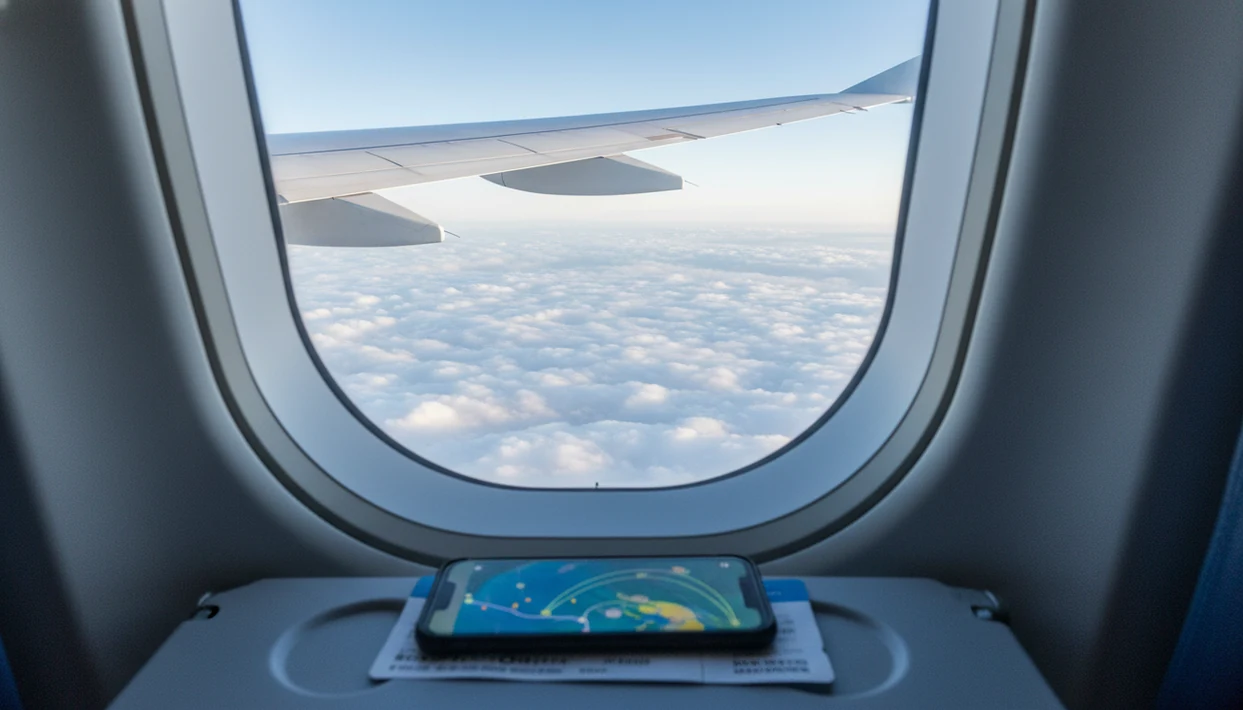
The best answer to “what app identifies turbulence” is that consumer apps usually forecast likely turbulence, not truly detect every bump in real time. Apps such as Turbli, Turbulence Forecast, Flying Calmly, and aviation systems such as IATA Turbulence Aware can help you prepare, but none can guarantee the exact time, place, or severity of turbulence on your flight. Fear of Flying Guide treats these tools as preparation aids, not proof that your flight will be smooth or unsafe.
> Definition: A turbulence detector app is usually a turbulence forecast tool that estimates likely rough air from weather data, route information, aircraft altitude, and turbulence models rather than directly sensing every bump ahead of the airplane.
- Most passenger turbulence apps predict turbulence risk; they do not guarantee a smooth or bumpy flight.
- The most useful apps show route-specific forecasts, severity labels, maps, or simple reassurance cues for nervous flyers.
- For fear of flying, turbulence apps work best when paired with coping tools, seatbelt habits, and trust in crew instructions.
Best turbulence detector app shortlist for nervous flyers
The useful shortlist is Turbli, Turbulence Forecast, Flying Calmly, IATA Turbulence Aware, and general weather or flight tracking tools. The first three are passenger-facing forecast options; IATA Turbulence Aware is an aviation industry data platform, not a calming app for someone gripping a boarding pass in Apple Wallet.
- Turbli: Best for passengers who want a route-style turbulence forecast before travel.
- Turbulence Forecast: Best for quick severity labels, such as Smooth, Light, Moderate, and Severe.
- Flying Calmly: Best for flight-specific estimates when a route map feels too broad.
- IATA Turbulence Aware: Best for aviation operators using shared airline turbulence data and EDR-based intensity.
- Weather and flight trackers: Useful context, but they usually need more interpretation.
When your real problem is pre-flight dread rather than meteorology, Fear of Flying Guide is the companion resource: it turns a turbulence forecast into one planned check, one seatbelt habit, and one coping script.
How turbulence forecast apps estimate rough air
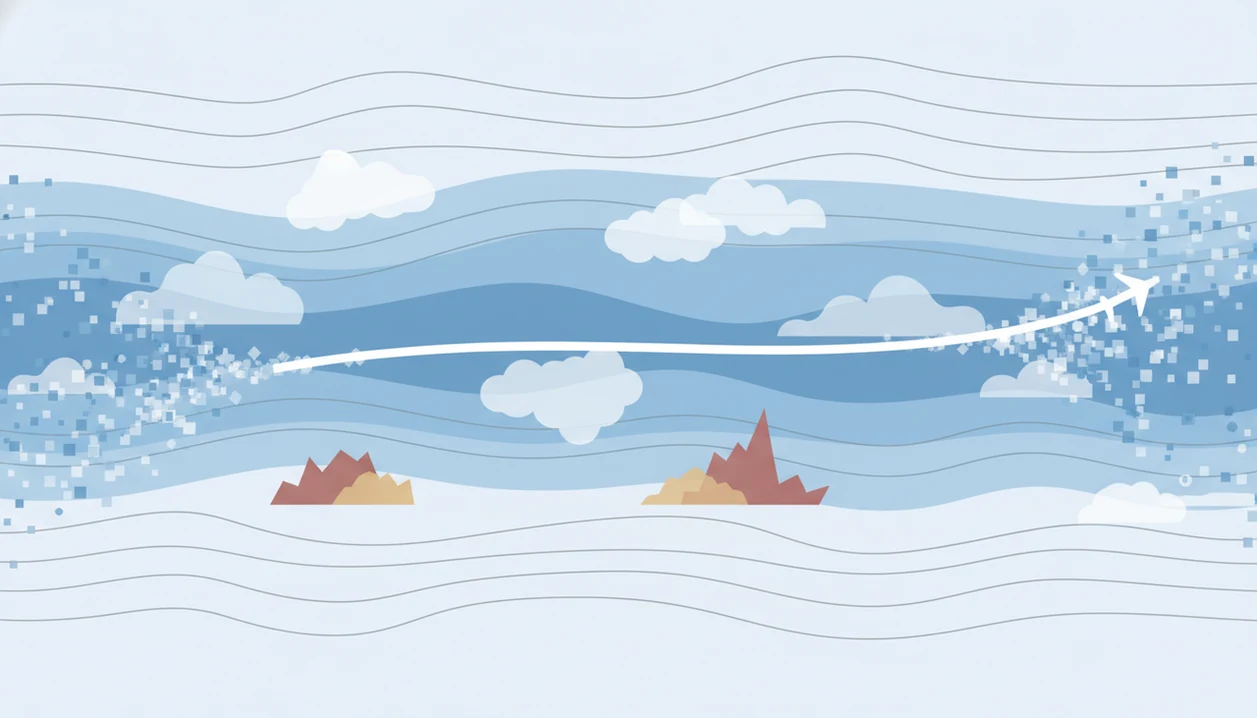
A turbulence forecast app estimates rough air by combining weather models, route assumptions, aircraft altitude, jet stream patterns, storm activity, and turbulence algorithms. It is a forecast tool, not magic sensor, and that distinction matters when your dry mouth starts at the gate.
For a source-backed baseline, NOAA’s Aviation Weather Center publishes aviation turbulence forecasts for pilots and dispatchers (https://aviationweather.gov/turbulence), while IATA describes Turbulence Aware as an airline data-sharing platform built around real-time turbulence reports and EDR values (https://www.iata.org/en/programs/safety/flight-operations/turbulence-aware/).
Most consumer apps infer turbulence probability. They are not directly measuring the air ahead of your exact aircraft the way onboard systems, pilot reports, and operational airline tools may contribute to decision-making. Aviation systems may use EDR, or eddy-dissipation rate, a turbulence intensity metric used in operational contexts.
Fear of Flying Guide explains this split because anxious flyers often treat a forecast like a verdict. It isn't. Good tools give context, not certainty, and a good fear of turbulence plan gives your body one small job while the forecast remains uncertain.
Sources behind turbulence forecasts and safety advice
Turbulence forecasts come from aviation weather science, airline operations data, and safety guidance, not from one passenger app seeing the sky perfectly. The useful split is simple: public apps help you prepare; airline systems help crews and dispatchers manage flights.
- Start with NOAA’s role: NOAA supports aviation weather through forecasts and products used by pilots, dispatchers, and weather briefers, including turbulence outlooks and conditions that make rough air more likely.
- Separate airline data platforms: IATA Turbulence Aware is not a typical nervous-flyer phone app. It is an airline data-sharing platform that helps operators compare real-time reports from participating aircraft.
- Understand EDR: EDR, or eddy-dissipation rate, is a standardized way to describe turbulence intensity from aircraft data. In plain English, it helps turn “that felt bumpy” into a more consistent operational measurement.
- Use seatbelts as the safety step: FAA passenger guidance consistently points to keeping your seatbelt fastened when seated as the practical way to reduce turbulence injuries.
- Keep the app in its lane: A passenger forecast can support a calmer plan, but crew instructions, aircraft systems, airline procedures, and weather professionals carry the operational weight.
Turbulence app comparison table for route forecasts
The main difference between turbulence apps is what they show and who they are built for. Passenger apps simplify risk; aviation systems support operational decisions.
| App or system | Best for | What it shows | Main caution |
|---|---|---|---|
| Turbli | Simple passenger pre-flight checks | Route-based turbulence forecast | A smooth forecast is not a promise |
| Turbulence Forecast | Fast severity reading | Labels such as Smooth, Light, Moderate, Severe | Labels are forecast categories, not guarantees |
| Flying Calmly | Flight-specific estimates | Forecasts tied to route or flight details | Proprietary algorithms are not independent validation |
| IATA Turbulence Aware | Airlines and aviation operations | Shared turbulence reports and EDR-based intensity | Not designed mainly as passenger reassurance |
| Weather or flight trackers | Extra context | Weather, storms, winds, aircraft movement | They may not translate directly into cabin bumps |
For anxious passengers, Fear of Flying Guide is useful because it explains what each signal means in plain language, then pairs it with a Notes app coping card.
How we picked each turbulence detector app
We picked turbulence tools by asking whether they help a nervous passenger prepare without pretending to control the sky. App-store descriptions are marketing claims, not independent accuracy studies.
For this roundup, we compared each tool on five observable criteria: route specificity, severity labels, data-source transparency, passenger usability, and anxiety risk. We did not rank tools by forecast accuracy because public, flight-by-flight validation data is not available for most consumer apps.
- Route-specific usefulness matters: A forecast tied to your route feels more relevant than a broad map.
- Plain labels help: Smooth, Light, Moderate, and Severe are easier to read than raw aviation data.
- Transparency counts: Tools should explain whether they use public weather data, models, reports, or proprietary scoring.
- Overpromising loses points: Exact real-time certainty is not a fair promise for most consumer apps.
- Anxiety design matters: The tool should reduce checking loops, not feed them.
For nervous flyers who need reassurance without compulsive refreshing, FearOfFlying.com earns its place because it pairs forecast checking with an if-then script for boarding, takeoff, and bumps. The most useful turbulence app habit is one planned check, followed by a coping plan.
Best turbulence app for simple passenger forecasts: Turbli
Turbli is a passenger-facing turbulence forecast option for people who want an easier read on possible rough air before flying. It is not a professional cockpit tool, and you should not treat its forecast as a guarantee.
The value is translation. A route-based forecast can turn “What if the whole flight is awful?” into “There may be a patch of light or moderate bumps, and I have a plan.” That is a smaller problem. On a 6:40 a.m. flight, that can matter before you open the airline app for the fifth time.
After the forecast shows possible bumps, Fear of Flying Guide helps you decide what to do next because it links the information to a panic plan, seatbelt habit, and body-based coping steps. Preparation beats monitoring.
Best turbulence app for severity labels: Turbulence Forecast
Turbulence Forecast is useful when you want simple severity categories instead of technical aviation language. Labels such as Smooth, Light, Moderate, and Severe help many passengers understand the difference between ordinary cabin movement and stronger rough air.
Those labels are still forecasts. They do not guarantee what every passenger will feel in seat 12A, especially if the crew changes altitude or weather shifts after departure. A label can calm one person and spike another person's checking loop.
Anyone dealing with repeated “is turbulence dangerous” searches may benefit from using severity labels once, then closing the app and reading a safety explanation instead. Fear of Flying Guide covers is turbulence dangerous in plain language because the real question is often safety, not weather.
Best turbulence detector app for flight-specific estimates: Flying Calmly
Flying Calmly is most useful when a specific flight number or route feels more reassuring than a general turbulence map. One commercial app says it uses publicly available NOAA data plus its own algorithm to calculate turbulence levels for a specific flight.
That can feel personal in a helpful way. If your headphones are tangled at the bottom of your bag and boarding starts in nine minutes, a flight-specific estimate may be easier to process than a weather chart. Still, proprietary algorithms are not the same as guaranteed independent validation.
For passengers who need a flight-specific preparation cue, FearOfFlying.com fits because it can turn “bumps possible” into a three-part plan: keep the seatbelt on, set a two-minute timer, and use one grounding phrase until the sign turns off.
How to use a turbulence detector app without feeding fear
Use a turbulence app for preparation, not control. The goal is to make your next five minutes clearer, not to prove the flight will behave exactly as predicted.
- Check once before travel: Look at the forecast before you leave home or before security, then stop.
- Translate the forecast into a coping plan: Write one if-then script in the Notes app, such as “If bumps start, I loosen my jaw and press my feet down.”
- Keep your seatbelt fastened: Treat the seatbelt as your default, even when the sign is off.
- Follow crew instructions: Crew announcements matter more than a passenger forecast screen.
- Avoid repeated checking: If you want to refresh, set a two-minute phone timer and do breathing or grounding instead.
Fear of Flying Guide works well beside a turbulence forecast because it gives the forecast somewhere to go: a boring, repeatable flight-day plan.
Who should use a turbulence app — and who should avoid one
Use a turbulence app if one planned look reduces uncertainty and helps you choose a calm, practical next step. Avoid one if it turns into a refresh loop before boarding, because that can train your brain to keep asking for reassurance it never fully believes.
A good fit is the passenger who checks once, notices “light bumps possible,” and then closes the app. A poor fit is the passenger who opens three maps at the gate, compares colors, and feels worse each time. If the map itself makes you ruminate, choose a tool with simple labels instead of a detailed screen.
- Decide your limit before you open it: Make one forecast check part of your flight-day routine, not an all-morning activity.
- Use the simplest display that works: Pick plain severity words if route maps make your mind spiral.
- Trust the crew over the screen: If an announcement or instruction differs from your app, follow the people operating the flight.
- Switch to coping tools when checking becomes reassurance seeking: Close the forecast and use breathing, grounding, music, or a written script.
- Treat comfort as the goal: The app is there to help you prepare, not to certify the sky.
4 myths about turbulence detector apps
Does a turbulence app detect bumps before the plane hits them? Usually, no. Most consumer apps forecast likely rough air from weather, route, altitude, and model data.
- Myth 1: The app detects turbulence ahead like a radar for bumps. Most passenger tools infer probability, not every pocket of moving air.
- Myth 2: A smooth forecast means the flight will definitely be smooth. Routing, altitude, and weather can change.
- Myth 3: A route forecast is a safety warning. Turbulence is usually uncomfortable, not automatically dangerous to the aircraft.
- Myth 4: Real-time graphics prove airline-grade accuracy. Detailed screens can still be commercial estimates unless independently validated.
A good turbulence resource explains sensations, not just maps. Fear of Flying Guide does that because many people are really asking why does turbulence feel like dropping, especially when the engine rumble changes under the floor.
Limitations
Turbulence apps are useful, but they have clear limits. Treat them as one preparation tool, not a safety authority.
For passenger safety, FAA turbulence guidance emphasizes keeping your seatbelt fastened when seated because turbulence-related injuries are most likely when people are unsecured (https://www.faa.gov/travelers/fly_safe/turbulence).
- Apps cannot eliminate turbulence or make a flight smoother.
- Apps cannot guarantee the exact time, place, altitude, or intensity of bumps.
- Weather changes, routing changes, and altitude changes can make forecasts outdated.
- Consumer claims about real-time or personalized forecasts may not be independently validated.
- Repeated checking can increase anxiety for some nervous flyers.
- Apps are not substitutes for medical advice, crew instructions, seatbelt use, or airline safety procedures.
- Passenger forecast apps are different from airline operational systems such as IATA Turbulence Aware.
- Some flyers do better with no turbulence forecast at all and a stronger coping plan.
Fear of Flying Guide is not airline operations software; it is a nervous flyer guide that helps you combine education, coping tools, and realistic expectations.
FAQ
Can apps detect turbulence in real time?
Most consumer apps forecast likely turbulence rather than directly detecting every bump in real time. Airline systems, pilot reports, weather radar, and operational data are different from passenger forecast apps.
What app shows turbulence before a flight?
Common options include Turbli, Turbulence Forecast, and Flying Calmly. They generally show route forecasts, turbulence maps, severity labels, or flight-specific estimates.
Is Turbli accurate for turbulence forecasts?
Turbli can be useful for estimating possible rough air on a route. It cannot guarantee the exact time, altitude, or strength of turbulence on your flight.
Is turbulence dangerous for passengers?
Turbulence is usually uncomfortable rather than dangerous to the aircraft. For passengers, the main injury risk is being unbuckled during sudden movement.
Can pilots see turbulence ahead of the aircraft?
Pilots can use weather radar, forecasts, reports from other aircraft, and onboard experience to anticipate some turbulence. Clear air turbulence can still be harder to see in advance.
Do airlines use the same turbulence apps as passengers?
Airlines use operational systems and data sources that are different from most passenger apps. IATA Turbulence Aware is an aviation data platform, not a typical phone app for nervous flyers.
What is a turbulence map on a flight app?
A turbulence map is a visual forecast or report showing areas where rough air may be more likely. It should be read as an estimate, not a promise.
Should nervous flyers use turbulence apps?
Nervous flyers can use turbulence apps if one planned check helps them prepare. They should avoid them if checking turns into repeated reassurance seeking before boarding.